
Give each photograph a clear product version and an approved use. Otherwise, even a beautifully edited replacement can end up in the wrong place.
Identify the change before editing
Ask the product owner what has changed: artwork, pack shape, quantity, included components or another visible characteristic. Do not assume a revised label is a purely cosmetic update. An apparently small text change may identify a different pack configuration.
Keep reference photographs or approved artwork for each version. Record the product identifier, packaging version, effective release context and person who can resolve uncertainty. This record should travel with the editing request.
If the new physical sample is unavailable, distinguish a proposed visual from a photograph verified against the finished pack. Do not silently promote an artwork simulation into an approved product photograph.
Separate working and released assets
| State | Evidence to retain | Next decision |
|---|---|---|
| Editing | Source and pack-version reference | Does the edit match this version? |
| Product verification | Reviewer and exact candidate file | Does the product owner confirm the physical pack? |
| Approved | Approved file and authorised destinations | Where may it be released? |
| Superseded | Replacement link and any remaining-stock exception | Which placements still need replacement? |
Keep a clear status for each image: source received, editing, product verification, approved or superseded. Approval must refer to a particular image and packaging version, not merely to “the front shot.”
Avoid overwriting the only approved image when the replacement enters production. Some destinations may still require the earlier packaging during a controlled transition. Retain the decision record that explains which version belongs where.
A shared tracker can be simple. Include the product, pack version, view, reviewer, status and authorised destination. The important part is that a reviewer can follow the asset back to the correct reference without relying on memory.
Verify the transition as a set
Check front, rear, detail and grouped images together. Replacing the main image while leaving a detail photograph of the previous pack creates an inconsistent product presentation.
Review embedded images in campaign layouts separately from the source asset collection. An approved new pack image does not automatically replace an older image already placed in a banner or document.
At release, record the destinations updated and any intentional exceptions. A transition is complete when the approved version appears in the required places, not simply when editing finishes.
When a tin becomes a box
Hypothetical example.
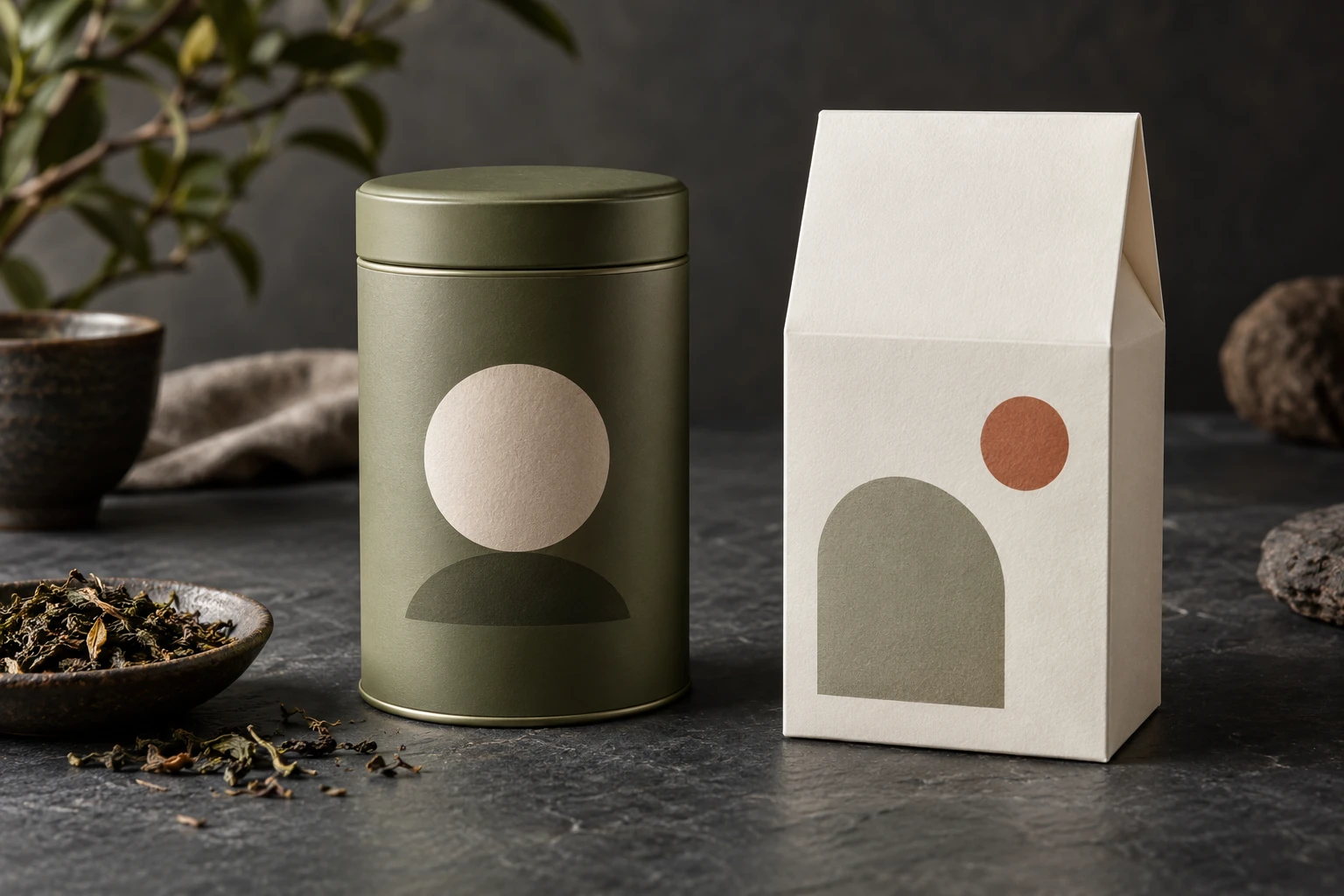
A tea brand changes from a cylindrical tin to a rectangular box while keeping the product name. The editing team receives new front photography, but an older grouped image remains in the shared collection.
The reviewer checks the release set and identifies the mismatch before approval. The group image is held for a new photograph. The old tin assets remain available only for the destinations explicitly approved to show remaining tin stock, with the decision documented by the product owner.
FAQ
Can new artwork be placed over the old package photograph? It may be useful as a clearly labelled concept. A final product image needs evidence that the shape, placement and printed appearance represent the actual packaging being offered.
When should old images be deleted? Follow the organisation’s retention and release needs. Restricting use and recording superseded status can preserve traceability without leaving older images available for accidental publication.
Use the retouching brief guide to record the pack version, reviewer and approved destinations before production.