Included in every delivery
- ✓Professional processing for the selected service
- ✓Organised files ready for your chosen channel
- ✓Independent human quality control
Rupato provides product photo colour correction for ecommerce catalogues and studio batches. Editors adjust agreed white balance, exposure and tonal differences while protecting real product colours. Supply a physical colour reference photographed under controlled lighting, or an approved digital reference, and specify the output colour profile. Colour matching to a reference and creating new colourways are separate scopes.
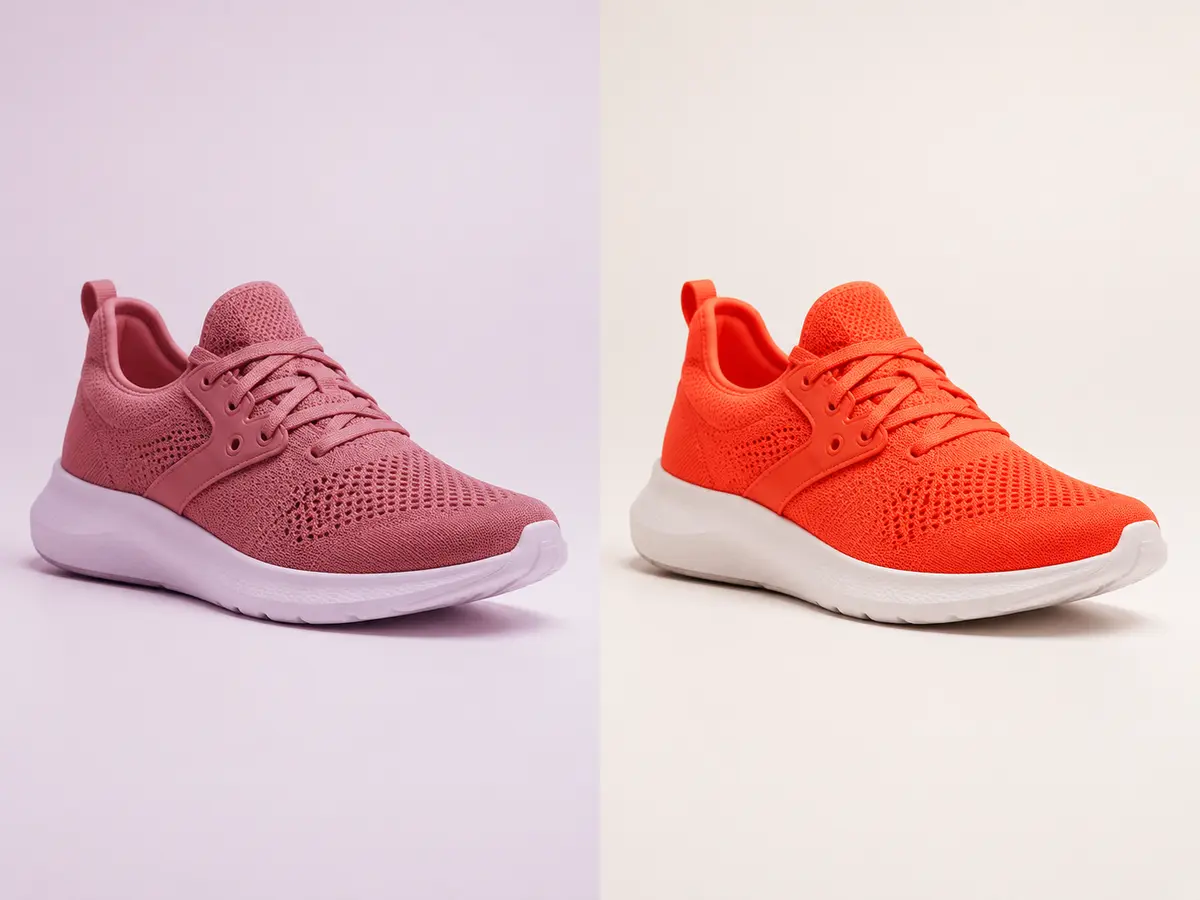
The service card is the starting point. Your brief can add the exact finish, reference and delivery target before the estimate is confirmed.
See how colour correction orders fit into your workspace. Five dashboard views. Every workspace tool. Explore with sample data—no account needed.
Interactive demo · Sample data · Uploads disabled
Overview · Scale dashboard · Sample data
Inspect the delivery and try the approval workflow.
Correct white balance, exposure, tone and unwanted casts before assessing the collection as a group. Output colour space and destination remain explicit so a web derivative does not silently replace the approved master.
Every instruction, handoff and output remains visible to the authorised customer team.
Send source files, folders or secure cloud links.
→Choose the finish and attach the approved product or style reference.
→A category-trained editor applies the saved specification.
→Independent QC checks the brief before organised delivery.
✓The agreed treatment can cover white balance, exposure, contrast and colour casts across a batch. It does not automatically include changing a product into a different colour. Identify protected colours, provide an approved reference and agree the output profile before production.
No. Displays, brightness settings and viewing conditions affect perceived colour. A controlled capture workflow, approved reference and suitable colour profile improve consistency, but an uncalibrated screen cannot serve as a universal colour standard.
Send representative original files, the approved reference, a description of the lighting differences and the required file format and profile. Include difficult materials such as glossy metal or translucent fabric so the estimate reflects the batch.
Review exposure and white balance across the batch using an approved reference. Confirm the output colour profile and preserve real differences between products.
Yes. Start with a representative pilot and your existing specification for colour correction. Supply the source files, approved references and required outputs, including White balance, Exposure and tone, Neutral correction. Confirm the quote, delivery deadline and revision scope before moving recurring work. Compare accepted results and reviewer time; switching does not itself guarantee better quality or lower cost.
Send representative source files and an approved reference. For colour correction, identify the requirements that apply: White balance; Exposure and tone; Neutral correction; Batch consistency. These are scope choices, not a promise that every option is included in the starting price. State the file count, output format, dimensions and delivery date so Rupato can confirm the work before production.
The page shows your local Flex rate or indicates when a quote is required. Studio and Scale have plan-specific rates. Compare the rate card and subscription fee; your order shows its calculated total before production.
Standard production starts from 18 hours. Priority and express deadlines appear in the order builder when the source and scope support them.
Rupato has an overall production capacity of 60,000+ images per day. Scale supports 500 images per customer per day. Enterprise supports 1,000 images per customer per day, with custom agreements.
Yes. Save the approved settings as an editing profile or job flow, then assign future uploads and approvals to the correct department members.
Your plan rate and exact estimate appear before production begins.
Create a colour correction order