
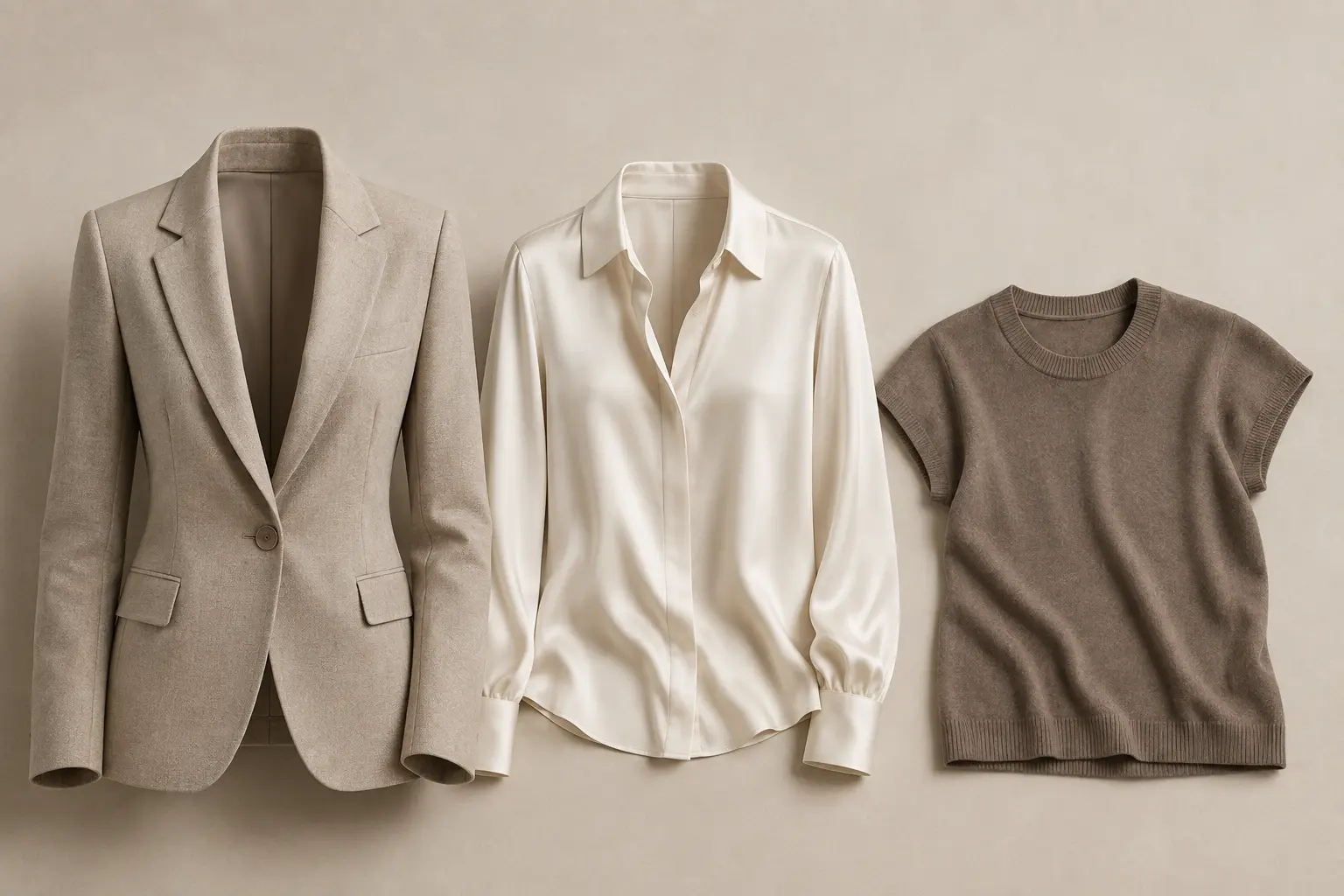
Build a view list before the shoot leaves the studio
List each SKU and colour with its required views. A front, back, detail and inner-neck photograph may be appropriate for one garment; another needs a different set. Mark which images are required to publish and which are optional. This prevents an attractive detail shot from disguising a missing essential view.
For ghost-mannequin work, identify the interior photographs needed to show a collar, lining or hood. Confirm they belong to the same garment and colour. An editor should not have to infer construction from a neighbouring product.
Approve a range of constructions
Do not let a plain T-shirt set the standard for sheer fabric, tailoring and knitwear. Select representative garments and agree the treatment of joins, drape, wrinkles, asymmetry and texture.
In a hypothetical jacket brief, useful instructions might read: “Remove the temporary support and loose lint. Preserve the padded shoulder shape and fabric weave. Keep the original pocket positions. Use the supplied lining view for the neck opening.” This describes a result someone can inspect.
Use three release gates
| Gate | Question | Hold when |
|---|---|---|
| Product | Is this the right garment, colour and set of views? | A source or construction reference is missing |
| Image | Does the edit preserve the product and meet the brief? | Shape, texture, colour or cleanup needs correction |
| Collection | Do approved products work together in the storefront? | Crop, scale or view order is inconsistent |
Collection review matters because an individual image can look correct while its garment sits much higher or larger than the rest. Compare a contact sheet and a representative product page. Check that the crop system accommodates long coats and short tops without implying they have the same dimensions.
Deliver complete families in useful waves
Agree which category or product group can be released independently. A late lining reference need not hold every finished garment, but a faulty shared colour reference may affect the whole set. Give every held item a reason, an owner and a next decision date.
Before handover, reconcile delivered files against the view list. Record the exact approved version, filename and destination. Keep superseded versions out of the release folder while retaining a record of what changed.
Leave time for the storefront check
Review the uploaded pages before launch: correct product mapping, mobile crop, view order and colour families. Publishing a technically valid file does not prove it reached the right product. Reserve time for replacement uploads and check those replacements again.